The platform
From first idea to the last prompt, in one controlled flow.
TAWAI is a pre-production system for AI filmmaking. It does the planning work a film crew would — and makes sure every piece agrees with every other.
The flow
Your idea
Logline or story
- 01
Develop
M01–M05
- 02
Build
M06–M09
- 03
Direct
M10–M13
- 04
Visualise
M14
- 05
Check & Deliver
M15–M18
Video prompts
Ready to generate
Five principles
- 01
Set the rules
Start a project with its format, length, aspect ratio, language and banned content. These rules follow the film everywhere.
- 02
Draft with AI, decide as a director
Every studio has a draft button. AI fills empty fields from your approved story and studio guide; you edit and approve.
- 03
Approve to unlock
Approving a studio freezes that version and opens the studios that depend on it. Reopening needs a written reason.
- 04
Checked twice
Each guide rule is checked on screen as you work and again on the server, so nothing slips through.
- 05
Deliver cleanly
Download approved work in folders, with a manifest and a production book PDF. Unapproved work only ever goes to drafts/.
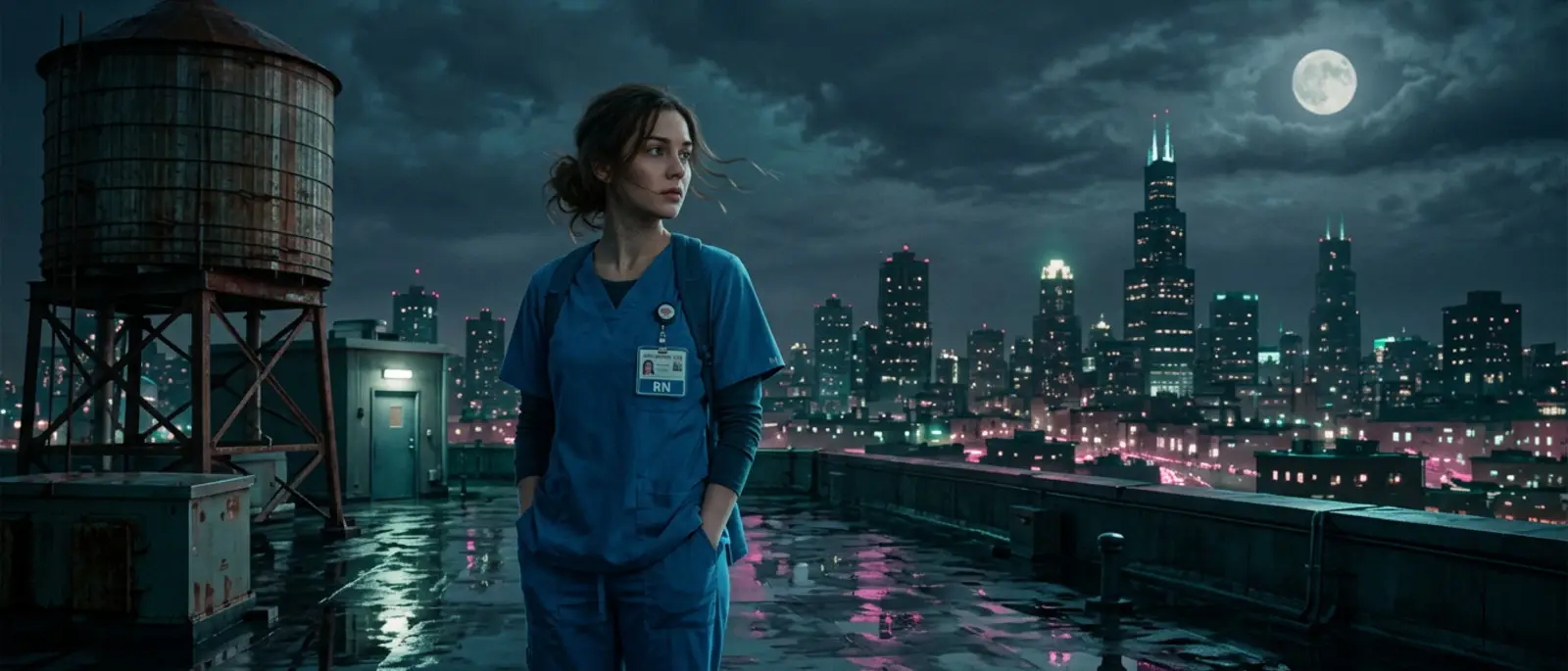
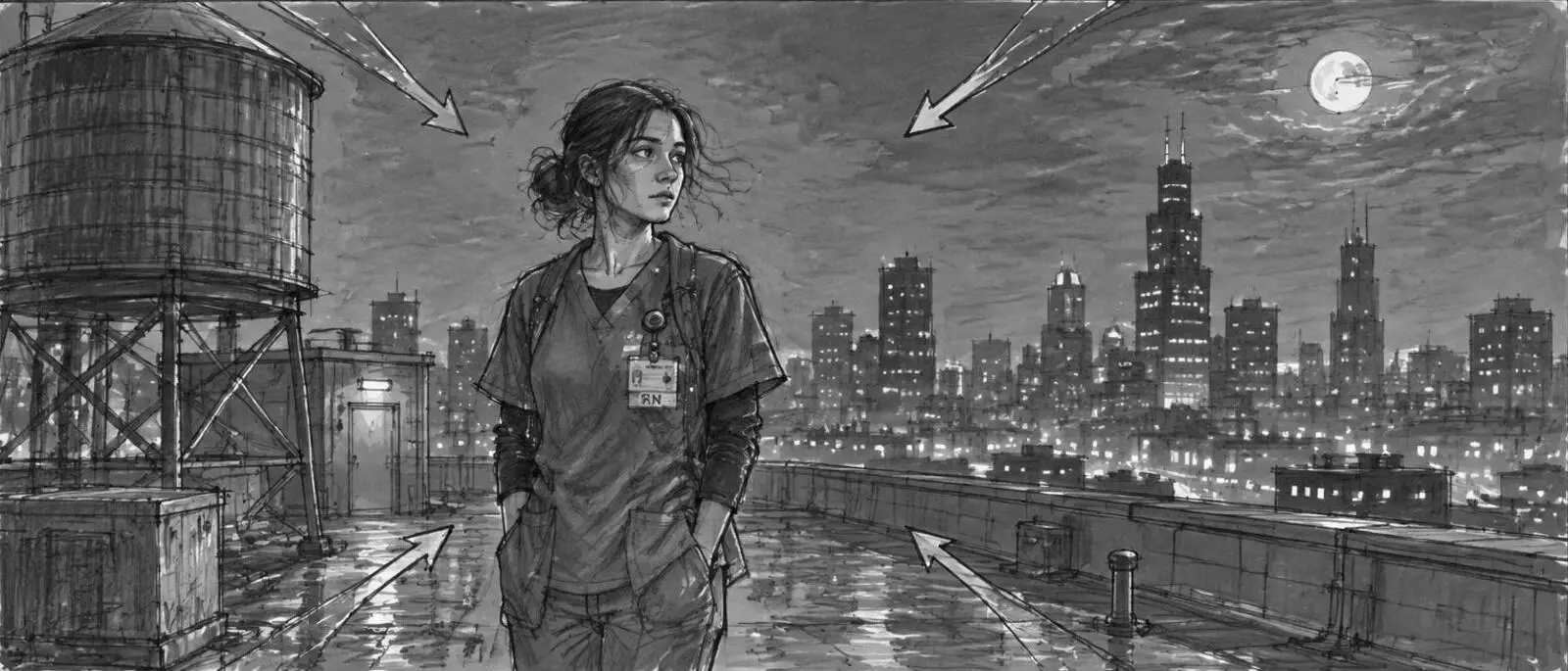
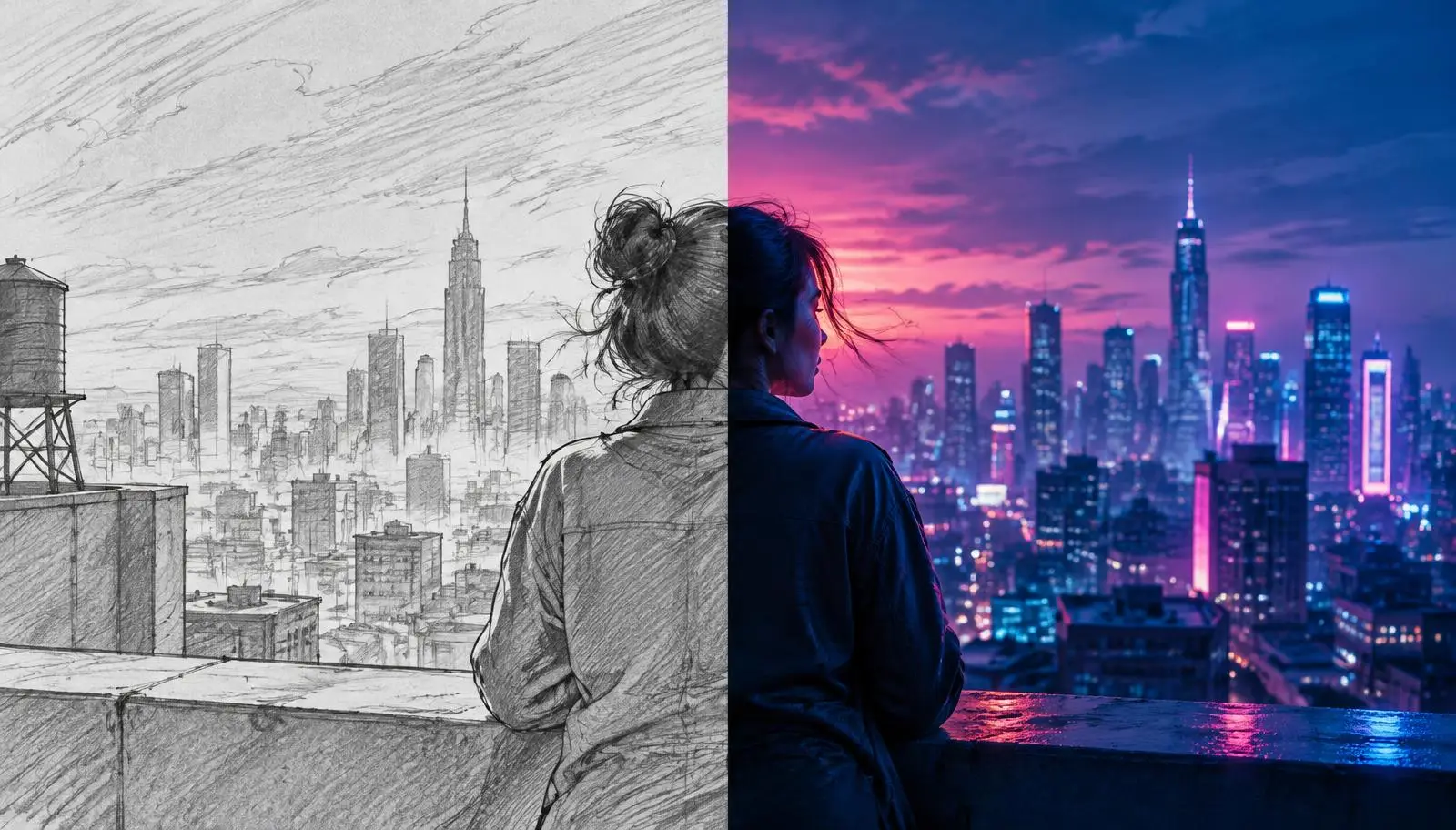
Drag to compare
Storyboard sketch to final frame.
 StoryboardFinal frame
Stage 01
Develop
Idea, story and the rules of the film
- M01Project Setup. Format, length, aspect ratio, language, frame rate and banned content.
- M02Idea & Story. AI story room: premise, research brief, 10-point scorecard and story architecture.
- M03Screenplay. Full screenplay drafted from the approved story, with a 14-column scene breakdown.
- M04Style Prefix. The film's look written as twelve fixed style lines used in every prompt.
- M05Asset Requirements. Every character, location, prop and outfit the film needs, with one spelling each.
Stage 02
Build
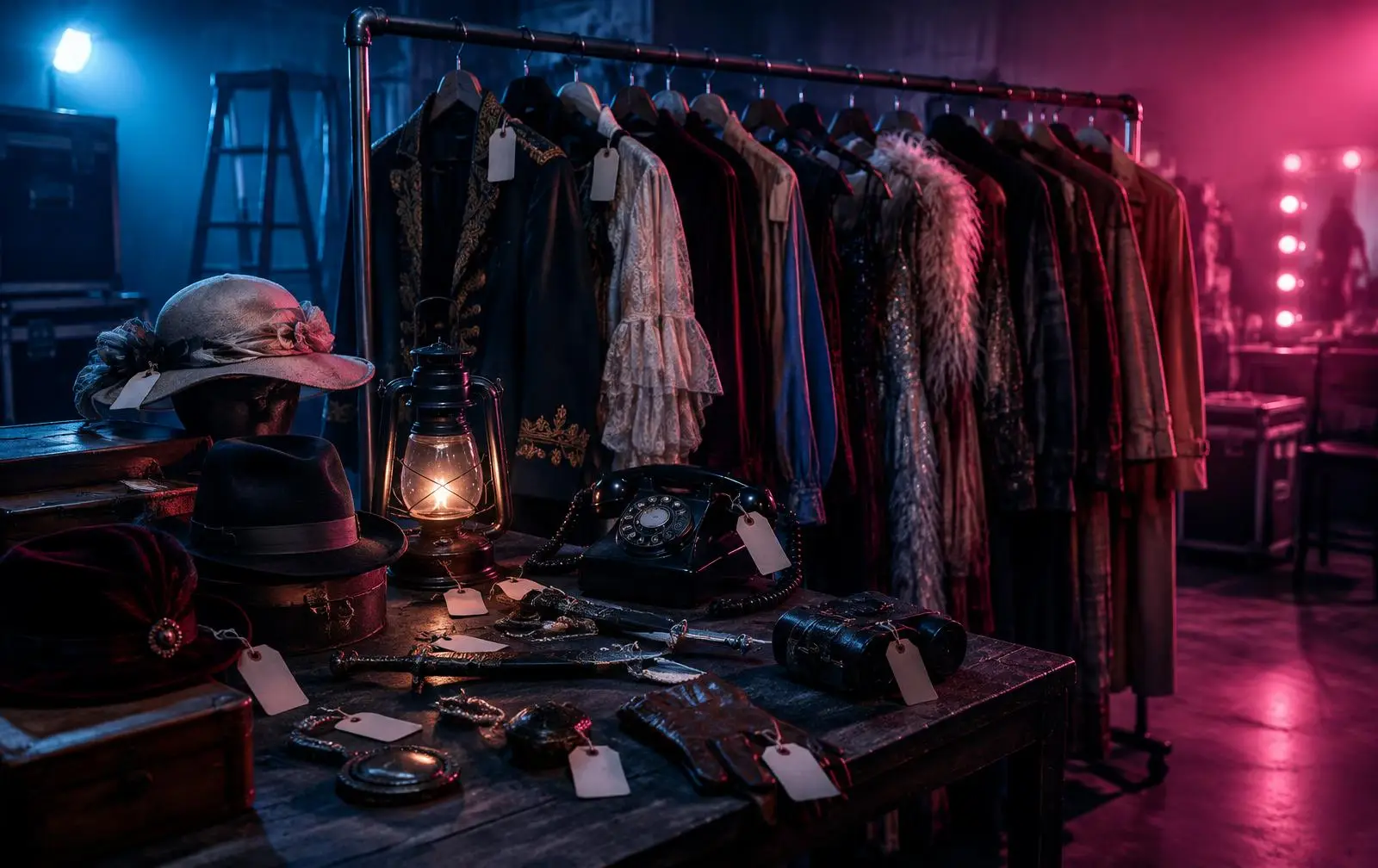
Cast, worlds, wardrobe and props
- M06Character Studio. Dramatic profile, voice lock, relationships, neutral sheets and state tags.
- M07Actor Behaviour & Voice. How each character moves, reacts and speaks, scene by scene.
- M08World & Location. Geography map, anchor, one light logic and a 3/4 hero view per location.
- M09Props & Wardrobe. Wardrobe and prop sheets, interaction lines and state parent tags.
Stage 03
Direct
Scenes, camera, dialogue and shots
- M10Scene Builder. Scenes assembled from the screenplay with zones from the world map.
- M11Cinematic Direction. Beats, camera moves and lighting, each with a reason.
- M12Dialogue. Vocal events and subtext, using the locked voice — never paraphrased.
- M13Shot Planner. Shot list per scene with coverage for every beat.
Stage 04
Visualise
Storyboards, keyframes and video prompts
- M14Shot Production. Storyboard grid, start and end keyframes, and a ten-section video prompt per shot.
Stage 05
Check & Deliver
Continuity, QA, templates and delivery
- M15Continuity & QA. Sweeps for breaks in faces, wardrobe, props, light and story.
- M16Asset QA & Lock. Final pass on every asset before it is locked.
- M17Templates & Knowledge. Every prompt as a versioned template your team can manage.
- M18Export & Delivery. One download: approved work in folders, a manifest and a production book PDF.
Scene 1 · Take 1
Your next film starts with a locked plan.
Create a workspace, set up your project, and let every studio carry it forward.