Characters drift
A face, a costume or a scar changes from shot to shot because nothing holds the details in one place.
TAWAI takes your film from first idea through story, screenplay, characters, worlds, shots, storyboards and keyframes — and hands you video prompts your model can actually use.
The problem
A face, a costume or a scar changes from shot to shot because nothing holds the details in one place.
Video models get loose, inconsistent prompts written in a hurry — so many generations are wasted.
Story, style, shots and approvals live in different tools, and nobody knows which version is final.

How it works
A studio opens only when the work it depends on is approved. Approved work freezes, so what comes next is built on something solid.
Your idea
Logline or story
Develop
M01–M05
Build
M06–M09
Direct
M10–M13
Visualise
M14
Check & Deliver
M15–M18
Video prompts
Ready to generate
0
Film studios
0
Stages
0
Expansion studios
0
Sections in every video prompt
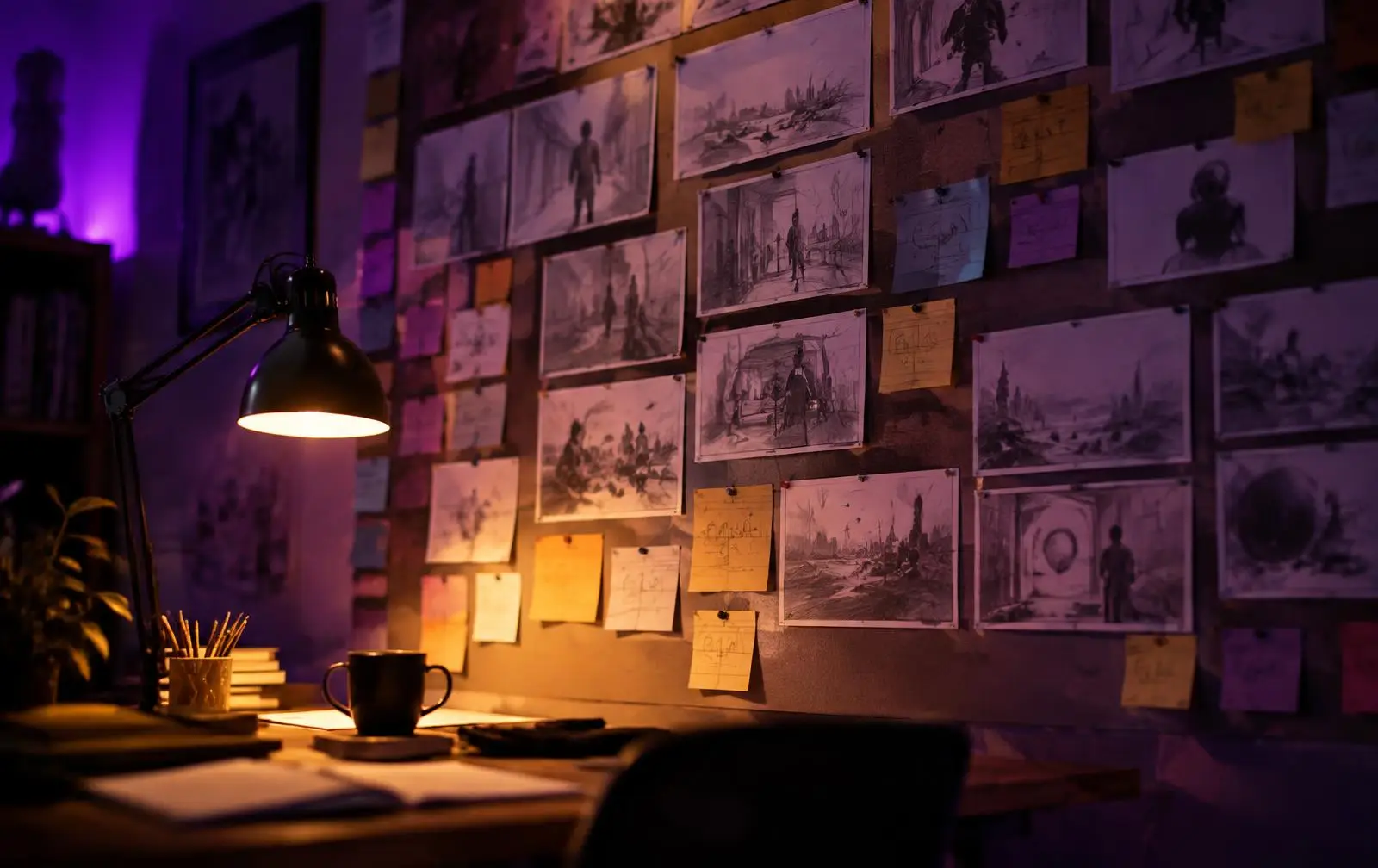
Story & screenplay
Draft the premise, score it on ten points, build the structure and write the full screenplay — every draft follows your studio guide and fills only what's empty.
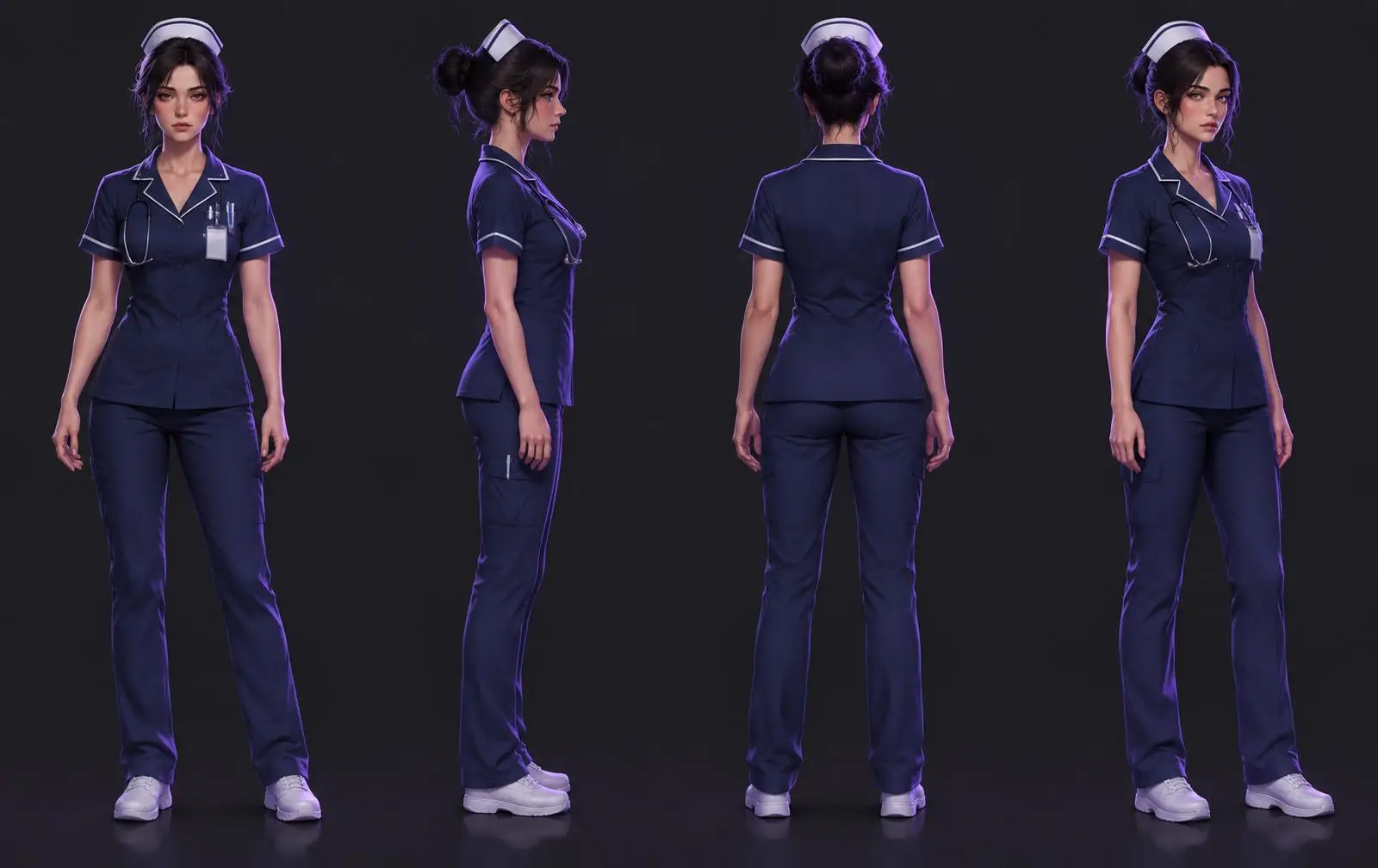
Characters & worlds
Character sheets, voice locks, state tags, locations with one light logic, and every prop and outfit — approved once, reused everywhere.
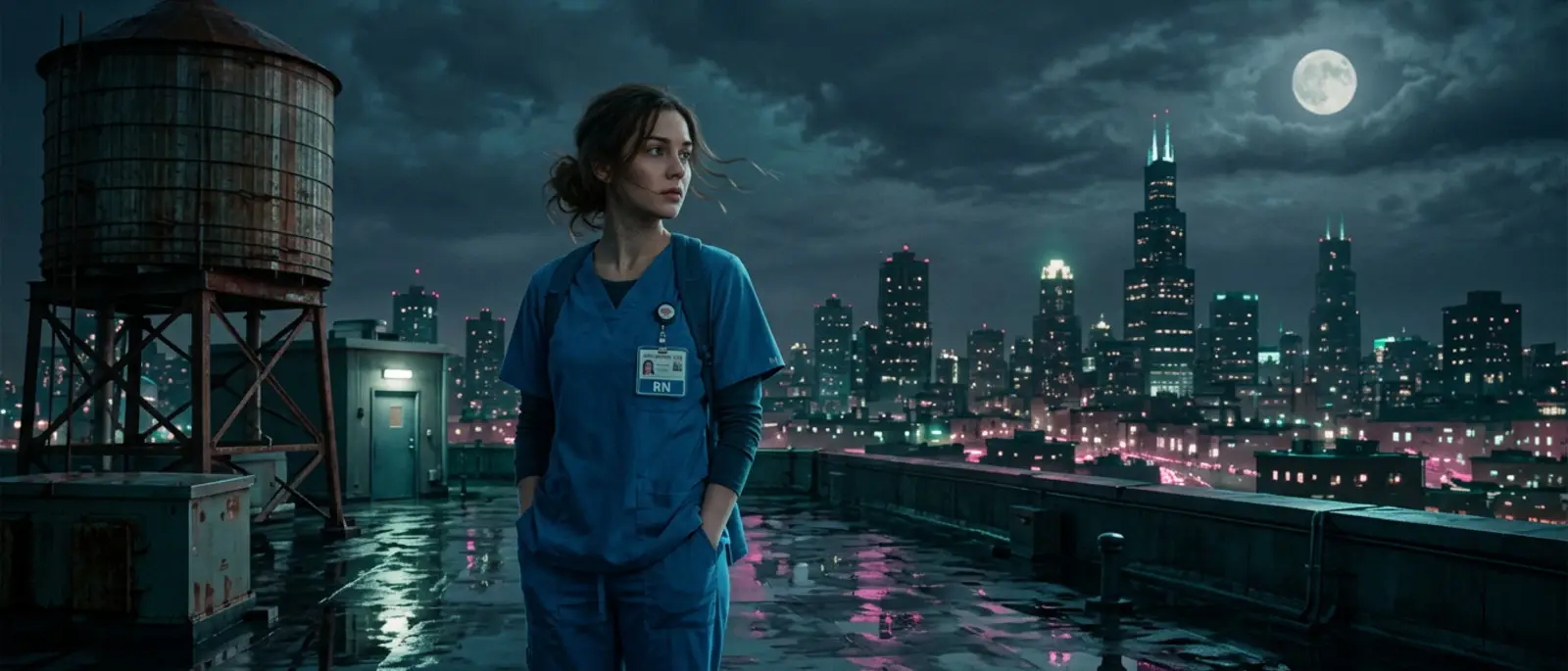
Shots & prompts
Each shot gets a storyboard grid, start and end keyframes, and a ten-section video prompt carrying your real style — ready for the video model you choose.
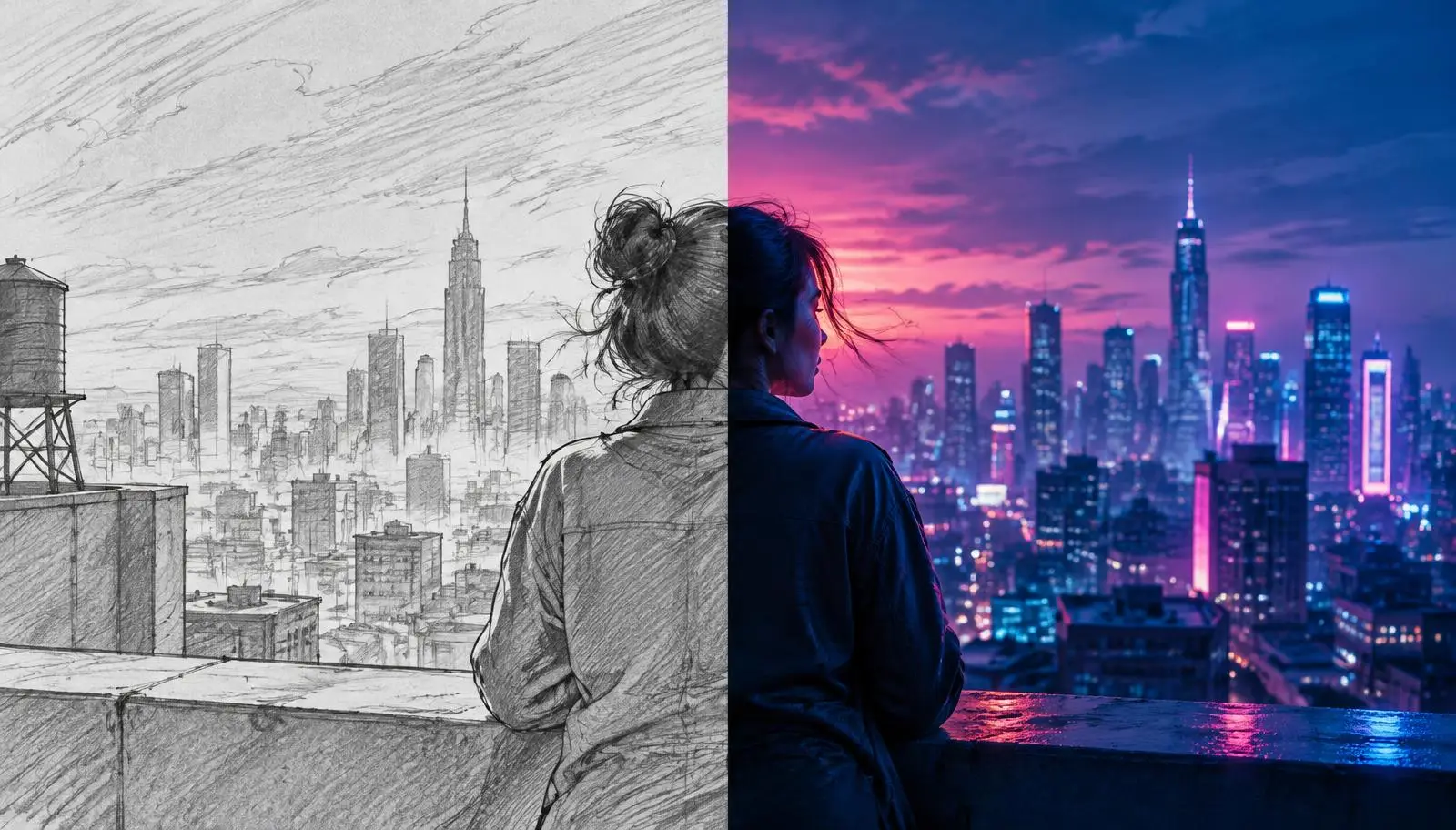
Drag to compare
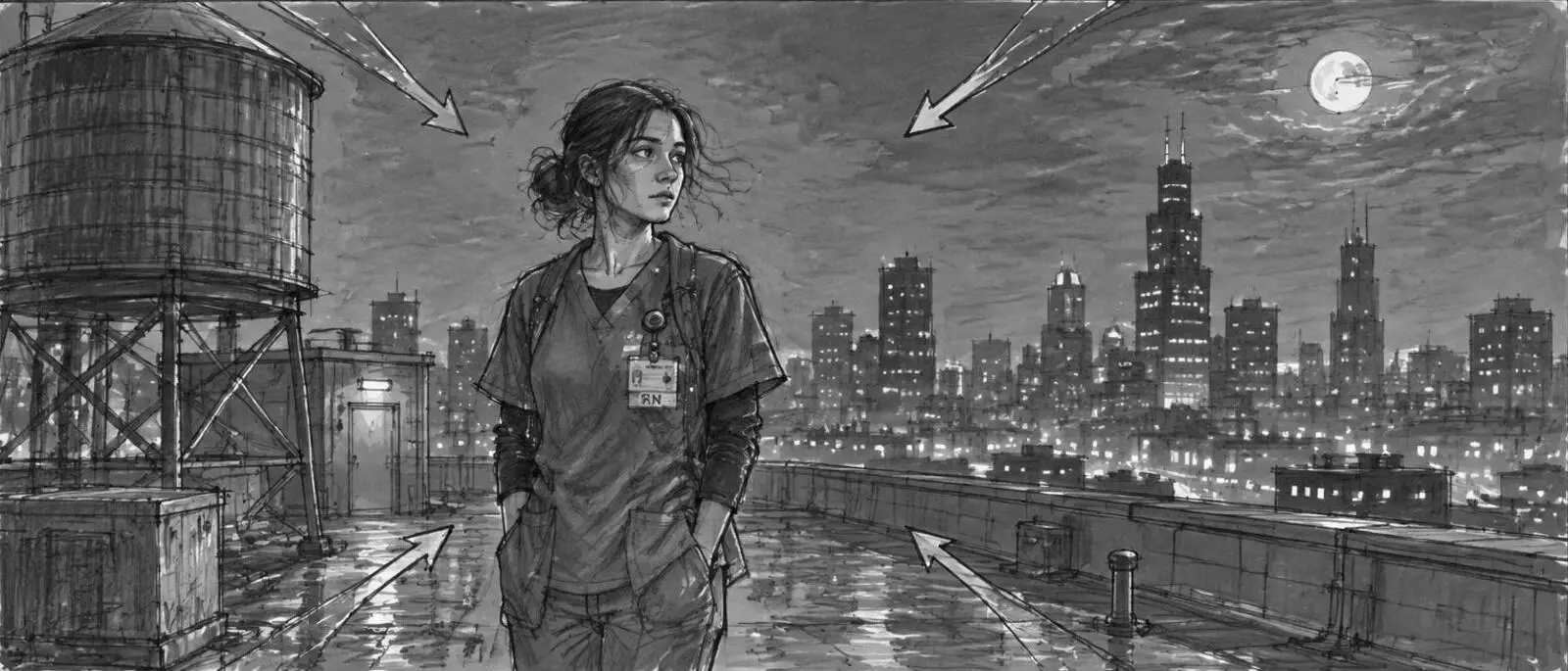 StoryboardFinal frame
The output
Every shot ends in a prompt with ten fixed sections. Your approved style, character states, wardrobe, light and continuity are carried in, word for word. Off-screen voices are never placed in frame.
Example shown is an illustrative sample.
Studio explorer
Idea, story and the rules of the film
Format, length, aspect ratio, language, frame rate and banned content.
What goes in
What comes out
Approval check: Title of 7 words or fewer, a real language name, nothing left blank.
The studios
Expansion Suite
Vertical micro dramas released episode by episode, music tracks and albums, reusable digital actors and a full promotion kit — on the same approved foundations.
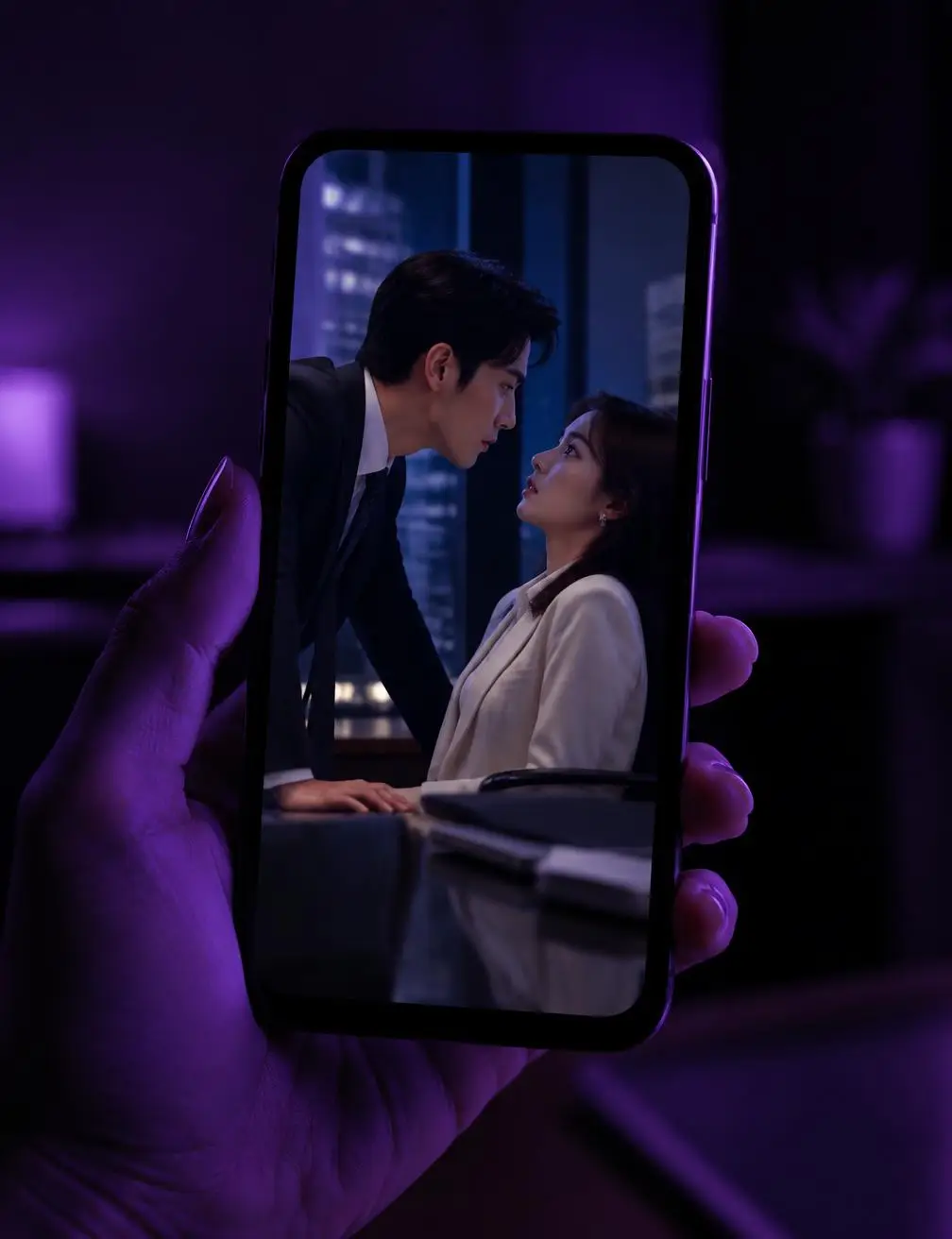
What the platform enforces
Approved work freezes. Reopening needs a reason and is recorded.
Each studio follows its guide — checked on screen and on the server.
Draft empty fields in any studio. It never overwrites without asking.
Every prompt is a versioned template your team can manage.
Approved work in clean folders, a manifest and a production book PDF. Drafts stay separate.
Workspaces, roles, usage limits and a full audit log.
Scene 1 · Take 1
Create a workspace, set up your project, and let every studio carry it forward.